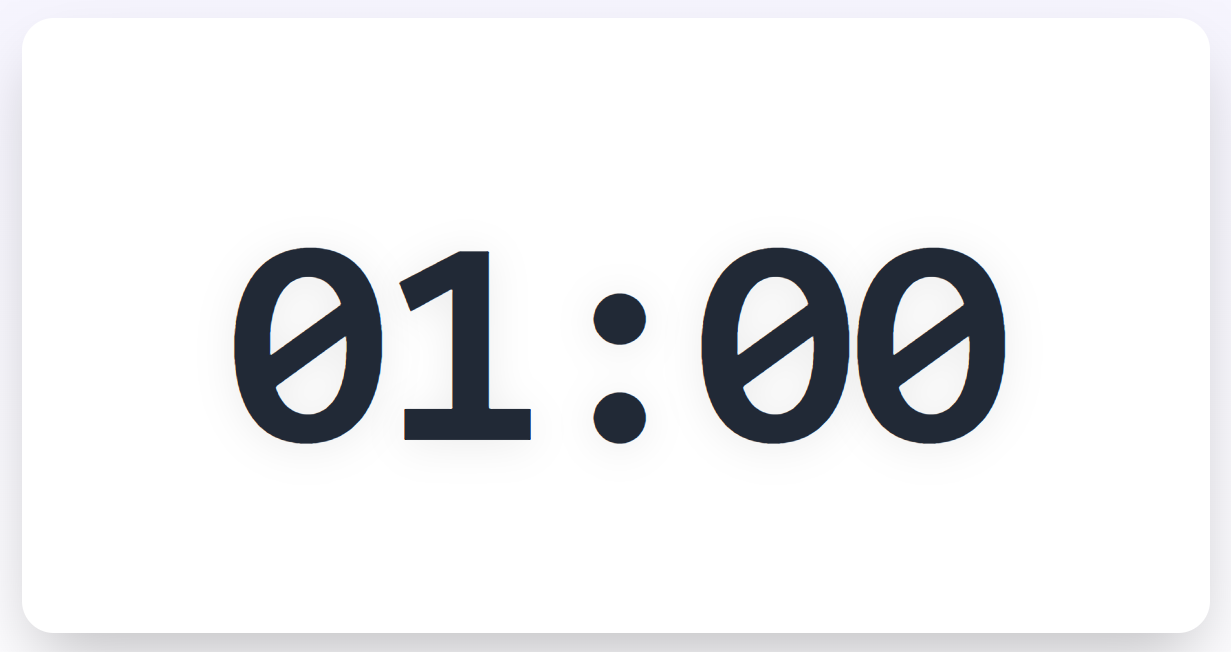
Classroom Timer – How I Finally Stopped Running Over Time in Lessons
My experience using a projection timer to manage classroom time. From chaotic lessons to students who self-manage their time.
'Teacher, is time up yet?' – 'How many minutes left?' – These familiar questions used to eat up so much of my teaching time. Until I discovered a simple tool that completely changed how I manage lessons: a timer projected on the screen. This article shares my journey from lessons that constantly ran over to a classroom that self-manages time.
The Struggle of Running Over Time
I used to be the teacher who always ran over. A group activity planned for 5 minutes would stretch to 15 because students kept asking 'how much longer?' The review portion got cut because we ran out of time. Students had no concept of time.
Worse, I didn't know how to allocate time for each activity. Some lessons I'd explain new content too long, leaving only 5 minutes for practice. Other lessons I'd finish exercises too early with 10 minutes left and nothing planned.
When being observed, the time pressure was even worse. I kept glancing at my watch, losing focus on teaching.
Discovering the 'Secret Weapon': Online Timer
During a professional development workshop, I saw the presenter project a countdown timer when having us discuss in groups. Everyone naturally finished before time was up.
I went home and searched for 'online timer.' Found many free tools, but most had ugly interfaces, lots of ads, not suitable for classrooms. Until I found Sorokid Toolbox – with a beautifully designed timer, no ads, easy to use.
How I Use the Timer in Lessons
Warm-up at Start (3-5 minutes)
Project countdown timer, students clearly see time to prepare materials. No reminders needed, they self-manage.
Group Activities (5-10 minutes)
Set timer for discussion time. When 1 minute remains, timer changes color as warning. Groups naturally speed up.
Individual Work (7-10 minutes)
Students see remaining time, adjust their pace. Those who tend to zone out understand they need to focus.
Oral Quizzes (2-3 minutes per student)
Fair for all students – no one gets called on longer than others.
Closing Review (5 minutes)
Always have time for end-of-lesson activities, never cut anymore.
Surprising Results After 1 Month
- •Lessons on time: Running over dropped from 70% to 10%. I control every minute of the lesson.
- •Students more self-directed: They stopped asking 'is time up' because they can see the screen. Time awareness formed.
- •Group activities more effective: No more groups dragging out discussions. Everyone tries to finish before the timer hits zero.
- •Less stress for teacher: I no longer constantly check my watch. Full focus on teaching.
- •More confident during observations: When observed, timer helps me allocate time exactly according to lesson plan.
Tips for Using Timer Effectively
- •Set shorter than expected: If you think an activity needs 10 minutes, set 8. Always have buffer for unexpected situations.
- •Use sound effects: The bell when time's up helps students know immediately without teacher announcing.
- •Combine with class rules: 'When timer rings, all activity stops' – simple but effective rule.
- •Show timer from the start: Don't start timer after activity begins. Students need to see the full allocated time.
- •Be flexible when needed: If discussion is going well, you can add 1-2 minutes. Timer is a support tool, not the boss.
Comparing Online Timers
I've tried many online timers. Here's my take:
- •Google Timer: Simple but interface is small, not eye-catching when projected on large screen.
- •Timer websites: Many ads, not appropriate for educational settings. Some have inappropriate content appearing.
- •Sorokid Timer: Beautiful design, full screen, no ads. Multiple modes: countdown, count up, alarm. Student-friendly interface.
- •Self-made PowerPoint: Time-consuming, not flexible to adjust timing.
I chose Sorokid because it's designed specifically for teachers, understanding classroom needs.
Using Timer Across Different Subjects
Math
- •Countdown for quick quizzes
- •Time limit for problem solving
- •Team competitions for speed math
Language Arts
- •Time for paragraph writing
- •Silent reading duration
- •Discussion about reading content
Science/History
- •Research time for materials
- •Group presentations (3 minutes each)
- •Brainstorming ideas
Non-academic Activities
- •Team building games
- •Talent shows with time limits
- •Classroom cleanup
When Timer Is NOT Appropriate
I also learned when NOT to use a timer:
- •Free creative activities: When wanting open thinking, time pressure can limit creativity.
- •Emotional sharing: During character education when students share feelings, don't limit time.
- •Difficult new concepts: When students are trying to understand new material, don't add pressure.
- •Special needs students: Some students need more time; don't compare with the clock.
Timer is a tool. Teachers still need flexibility based on real situations.
Try Our Free Classroom Timer – Designed specifically for teachers. Beautiful interface, no ads, easy to use.
Open Timer Tool